
You might like to bookmark this page in your internet browser, so you can find it easily when you need it.
Newsletter, email or website announcement
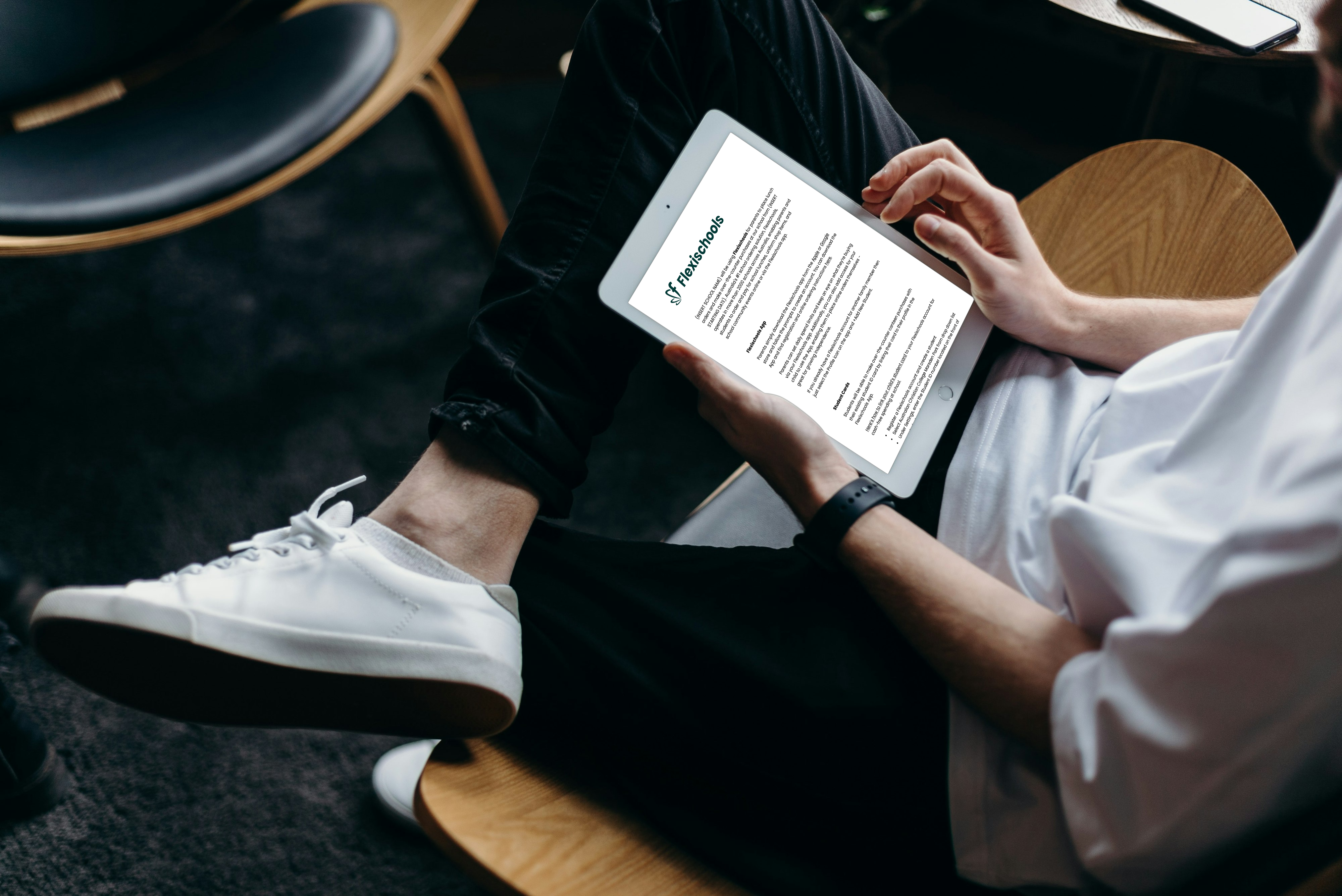
A sample announcement that can be used as an email, website post, or newsletter content to let parents know that your school is using Flexischools.
View →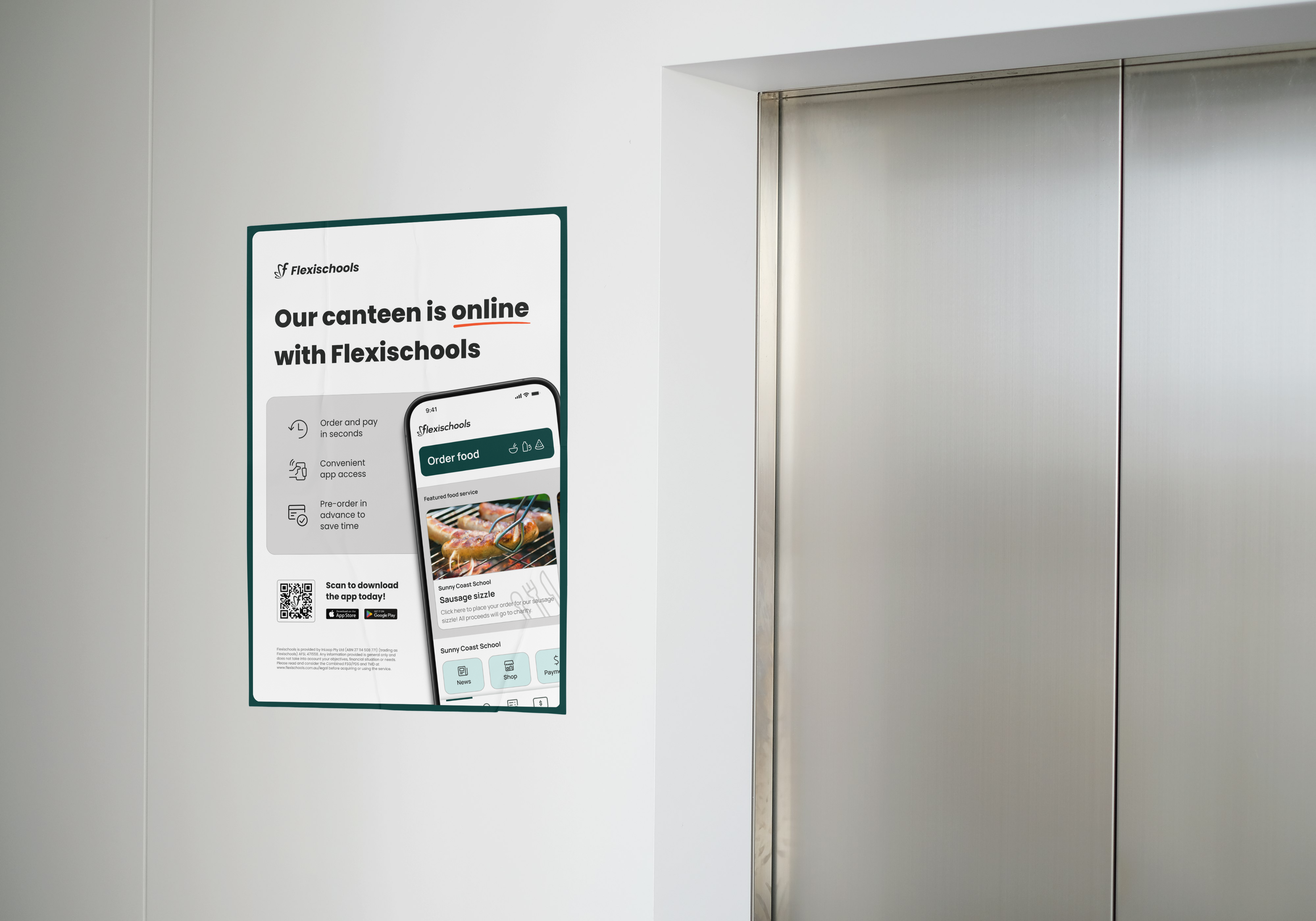
Download and hang these printable posters
Discover our poster resources to display information on Flexischools around your school.
Download (.pdf) →-1.png?width=2160&height=1211&name=Untitled%20design%20(9)-1.png)
Print and distribute flyers to your school community
Send students home with these printable flyers with more information on using Flexischools.
Download (.pdf) →.png?width=5322&height=2808&name=Untitled%20design%20(11).png)
Reminder for your newsletter
Copy the text in the document and send it to parents via your school's communication method of choice to remind them to set up an account.
View →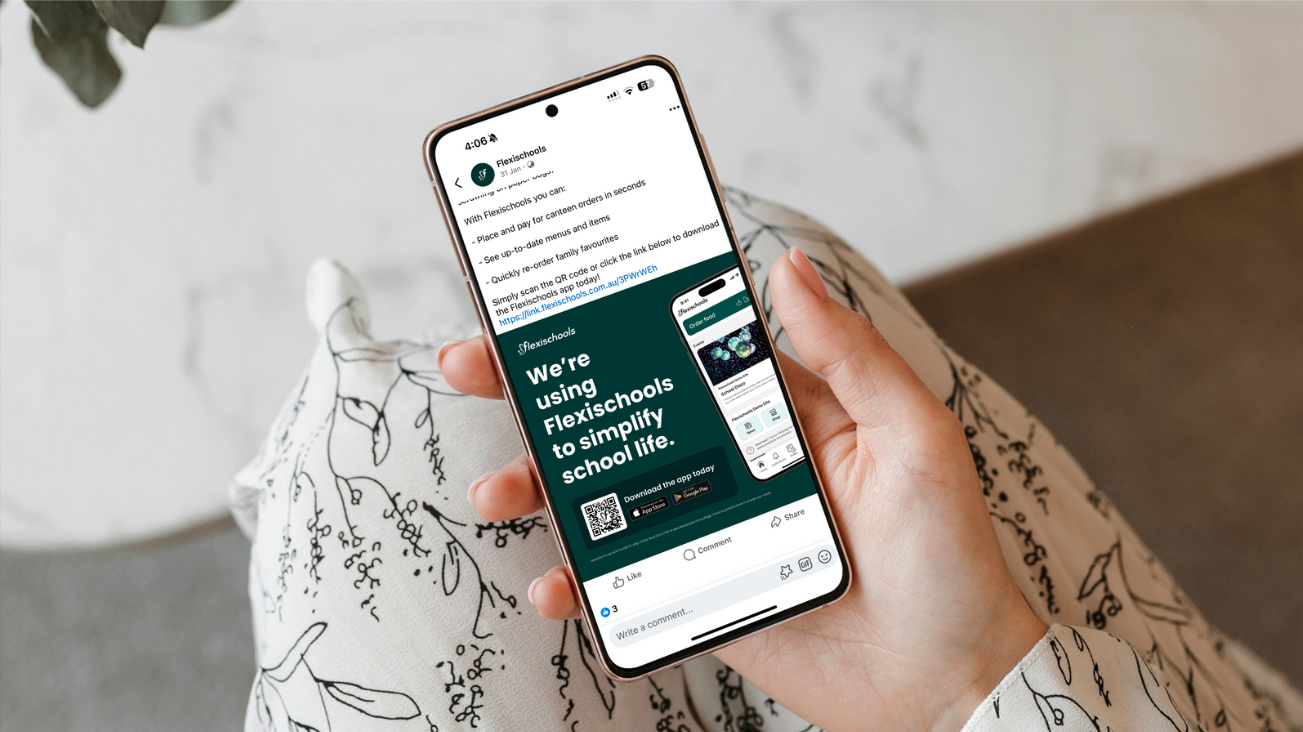
Social media post (with links)
If your school uses a Facebook page, adding a reminder on social media will catch parents when they’re already on their device.
View →.png?width=4000&height=2667&name=Qw0txoDOnwP%20(1).png)
Printable flyers
Download and print off the flyer to send home with students, informing parents how to order on Flexischools.
Download (.pdf) →.png?width=1277&height=473&name=Untitled%20design%20(10).png)
Short reminder text
Send a reminder of the date you’re going live with Flexischools. This helps parents know when and how they can perform their online ordering and payments.
View →.png?width=851&height=315&name=Untitled%20design%20(15).png)
Set up a website link
Update your school's website to reflect that your school uses Flexischools. Linking to our website can save parents from having to call your administration team if they need help.
View instructions →.png?width=851&height=315&name=Untitled%20design%20(22).png)
Make it special
Some schools like to kick things off with a special event like a student BBQ lunch on their first day of Flexischools. Having to pre-order or book in advance via Flexischools gives parents an extra reason to get an account set up before the go-live date.
See how special days can increase your orders →.png?width=851&height=315&name=Untitled%20design%20(16).png)
Send a push notification to parents
Send a first-week announcement notification ‘Welcome to Flexischools’ via the Flexischools app so parents with an account, see that you’re using it.
Learn more →-2.jpeg?width=4032&height=3024&name=20241028_044541932_iOS%20(1)-2.jpeg)
Support centre
We have answers to a range of frequently asked questions for parents, schools and suppliers alike.
Visit support centre →.png?width=4000&height=2667&name=Qw0txoDOnwP%20(6).png)
Special Days promo assets
We have created a range of promotional assets designed to support you in running seasonal events to engage your school community.
Explore our Special Event Days library →